
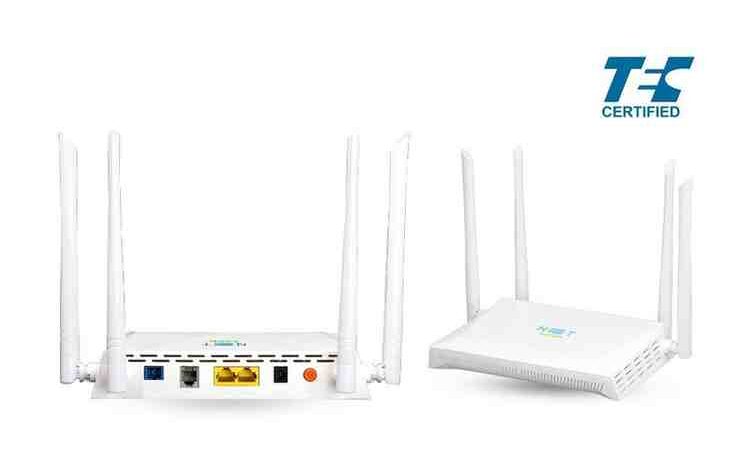
If you are having problems with your WiFi network at home, it could be a band steering problem. Let me explain.
If you have home Internet and a relatively new router which supports WiFi, it may support communications on two bands: 2.4 Ghz and 5Ghz. It’s also likely that you have band steering. What this means is that you only have one connection point in your network, and the router will steer your device to the appropriate band depending on which one can deliver better performance at a given moment. This piece explains it well.
Normally this is a good thing. But I am here to say that some times it is not.
One of those times happened on my router last week. I was getting terrible response time with my WiFi. I was pinging 8.8.8.8 and instead of it taking less than 30ms it was taking 300ms or 500ms or even greater than 1000ms. I tried everything to reset the router, but nothing worked. I thought maybe some of the older devices were causing the problem on my network somehow. I wanted to put them on the 2.4Ghz band and have my computer joing the 5GHz band, which is something that worked for me years ago. Alas, my router has band steering, so we were all getting lumped together.
Fortunately it was easy to go into the router settings and disable band steering. I did that and created a default connection point and a 5GHz connection point. When I did that, I discovered an interesting thing.
It turns out the 2.4Ghz band range was fine! When I joined it, my response times for my pings were down in the 20-25ms range. However, when I joined the 5GHz band, my response times were terrible again! I don’t know why that is. I suspect there’s a problem with my router. But as some folks like to say, that is a January problem.
So the next time you are having WiFi problems and you have the choice of accessing your network through different bands, consider turning off band steering and see if that helps isolate the problem.
 Smart People I Know